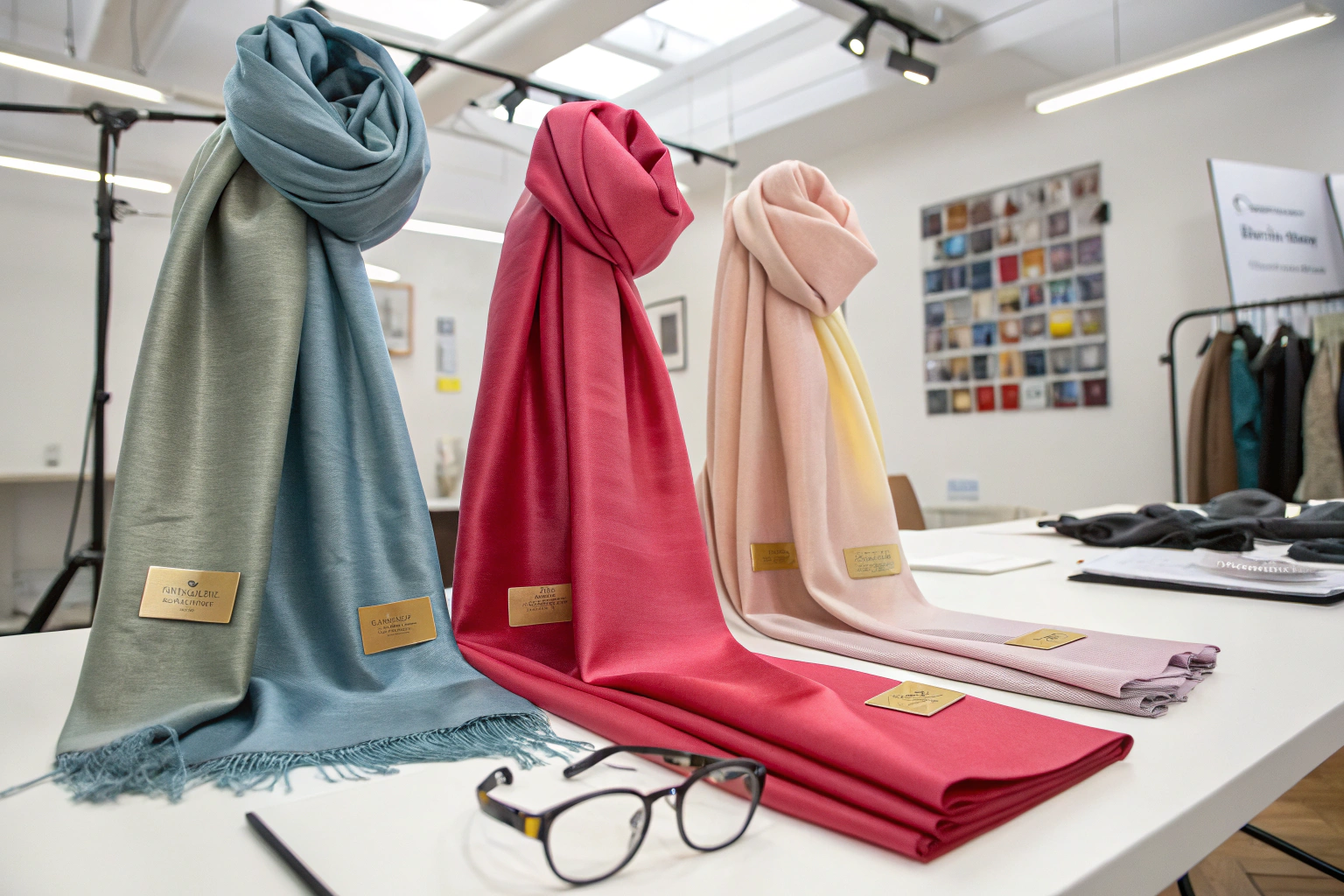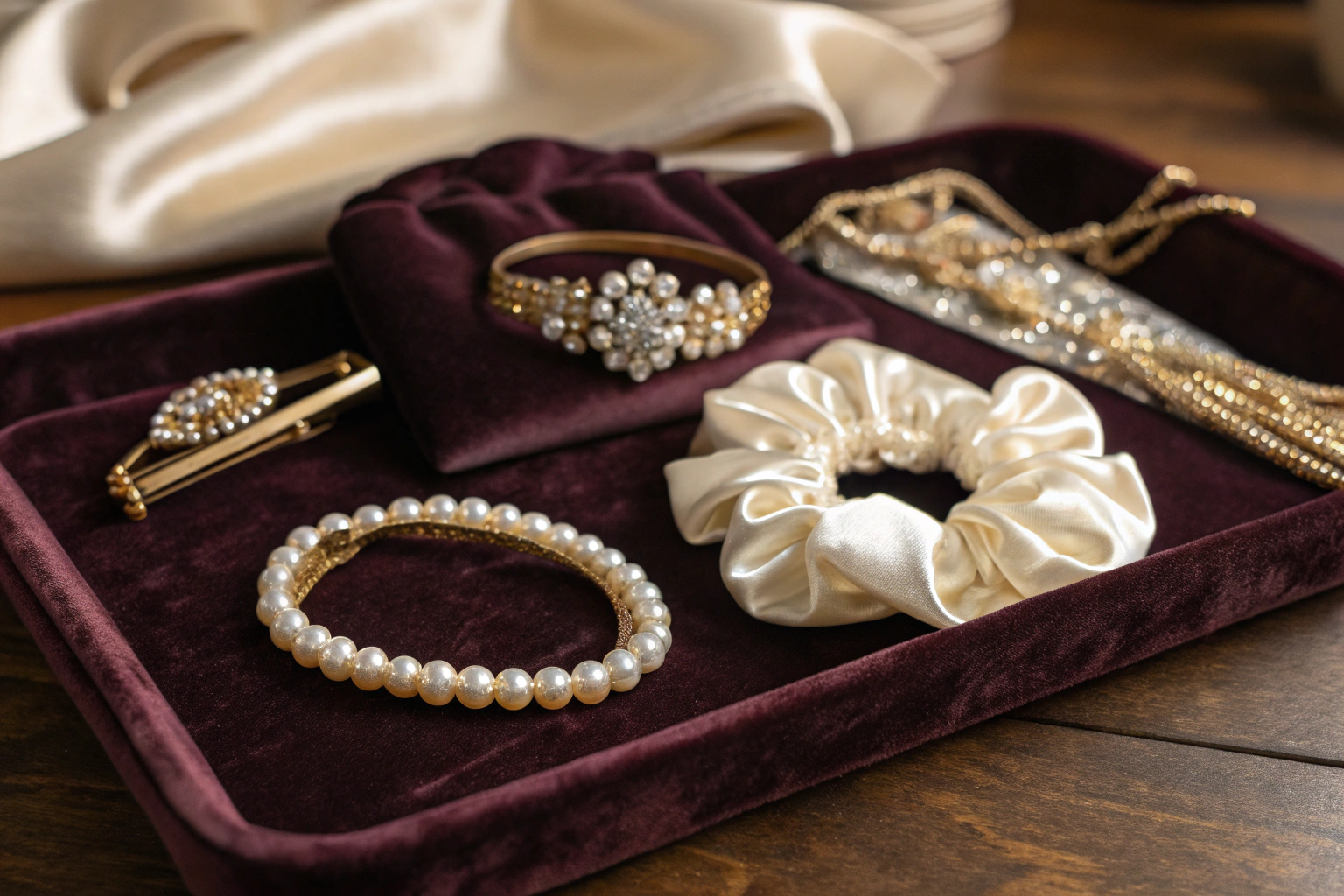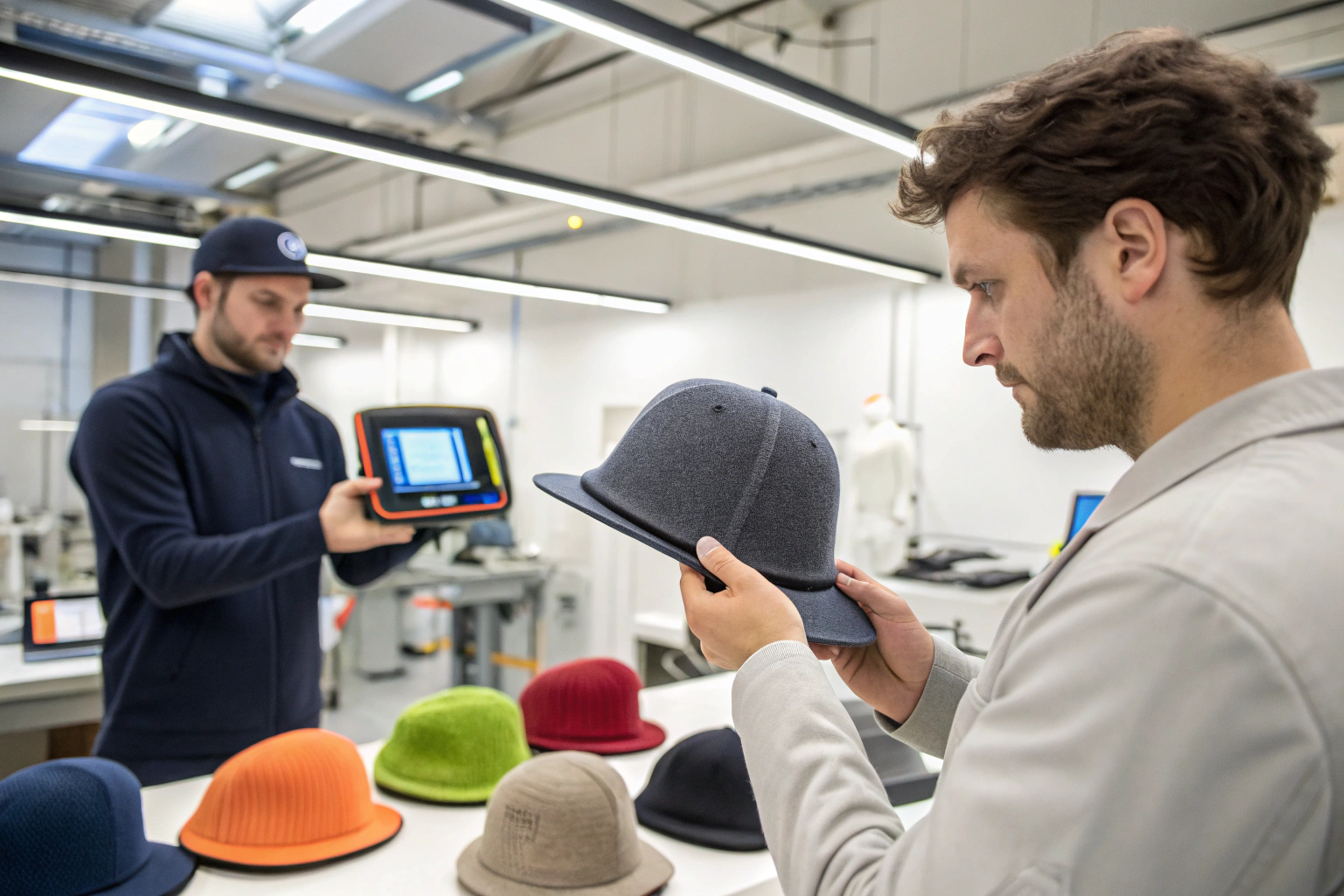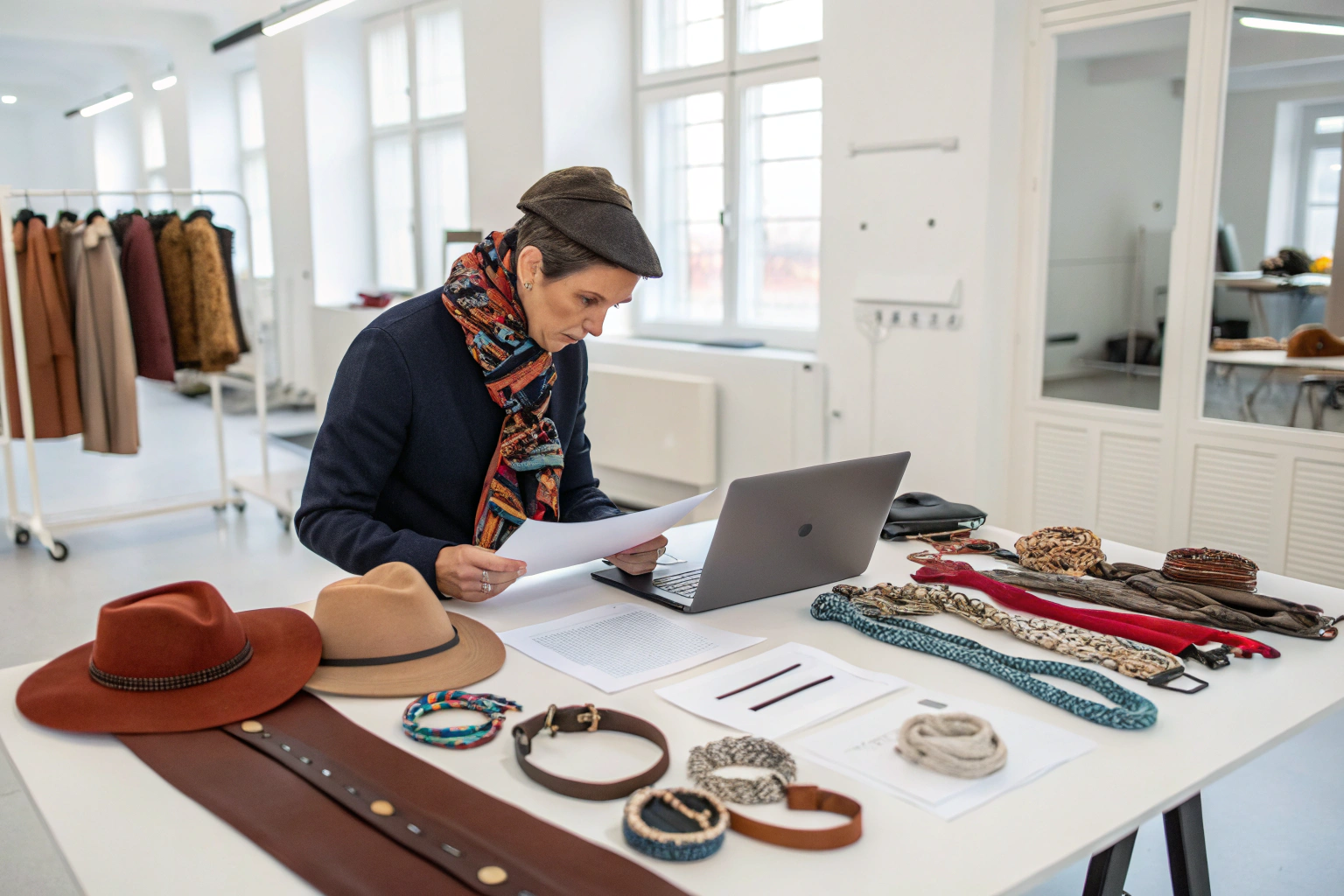
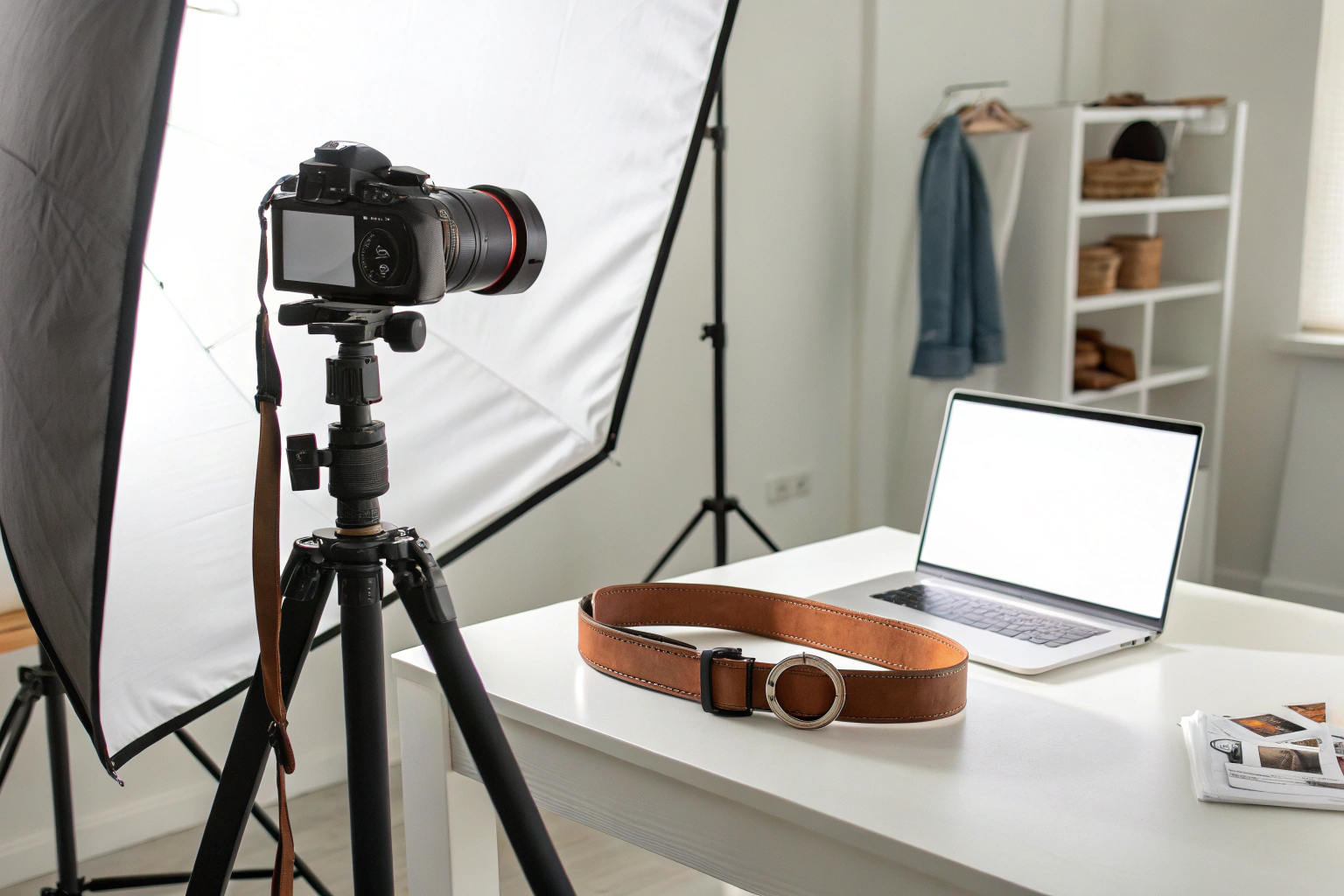
I have been manufacturing accessories for over 15 years. I have seen beautiful products fail to sell because of poor photos. I have seen simple products sell well because of great photos. The difference is the image. I remember a client who sent me photos of her hair clips. They were taken on her phone. The lighting was bad. The background was cluttered. She wondered why they did not sell. I told her, "Your photos are not showing the quality of your product." She hired a photographer. The new photos were professional. Her sales increased. That experience taught me that photography is not an afterthought. It is a sales tool. Today, I want to share the best practices for photographing accessories for e-commerce.
The best practices for photographing accessories for e-commerce include using a clean, consistent background, proper lighting, multiple angles, scale references, and lifestyle shots. A clean white or neutral background is standard. It eliminates distractions. Proper lighting is essential. Soft, diffused light reduces harsh shadows. Use at least two light sources. Photograph multiple angles. Front, back, side, and detail shots. Include a scale reference. A coin or a ruler shows size. Lifestyle shots show the accessory being worn. They help customers imagine the product in use. High resolution is a must. Zoom in to show texture and quality. Consistent editing creates a professional look across your product line.
You might be thinking, "I am not a photographer. I cannot afford a professional." You do not need to be a professional. You need to follow best practices. A smartphone with good lighting can produce great photos. A simple setup can be effective. At AceAccessory, we provide product photos to our clients. We have learned what works. Let me walk you through the best practices.
Why Is a Clean, Consistent Background Essential?
The background is the stage. If the stage is cluttered, the product is lost. I have seen photos with messy desks, patterned fabrics, and distracting shadows. The product does not stand out. A clean background solves this.
A clean, consistent background is essential because it puts the focus on the product. A white or neutral gray background is standard for e-commerce. It eliminates distractions. It creates a uniform look across your product line. It also makes editing easier. You can easily remove the background for listings. Use a seamless backdrop. Paper rolls or foam boards work well. Avoid textured surfaces. Avoid shadows. The product should be the only thing the customer sees.
I want to share a story about backgrounds. A client used a wooden table as a background. The photos were warm and rustic. But the product did not stand out. The wood grain was distracting. She switched to a white background. Sales increased. The product became the focus.
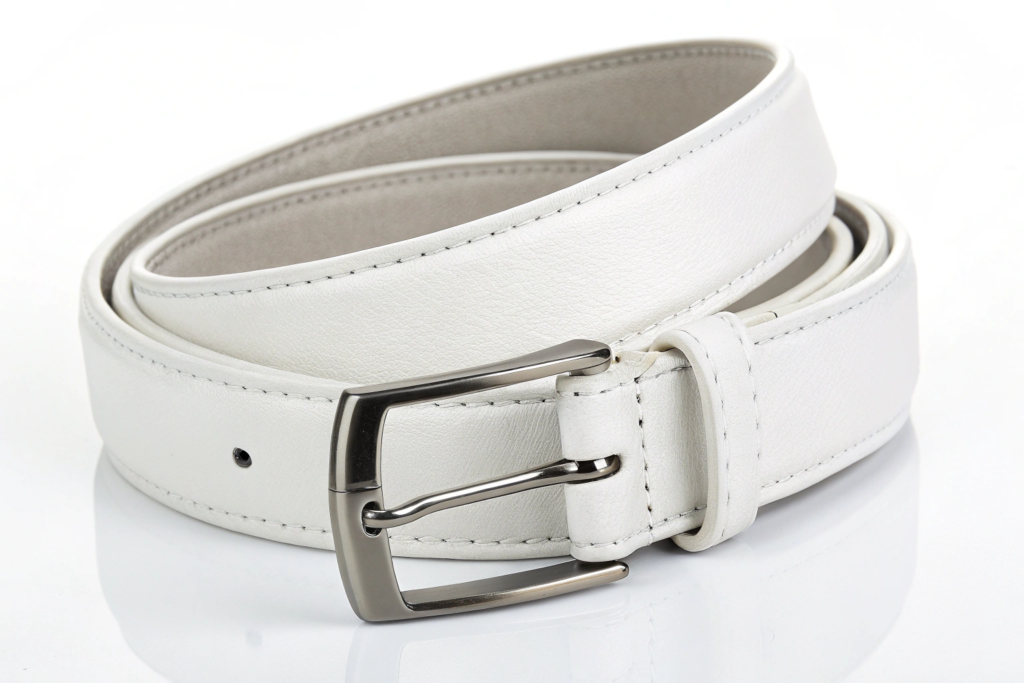
What Is the Best Background Color?
White is the standard. It is clean. It is neutral. It works for all products. For some brands, a light gray or beige can work. Avoid bright colors. They clash with the product. Avoid black. It absorbs light and hides details. We recommend white background photography for e-commerce.
How Do You Create a Seamless Background?
Lay out a large, pristine sheet of white paper, its surface smooth and unblemished, as if waiting to cradle the essence of your creation. Gently curve it from the back, allowing it to flow seamlessly downward to the base, forming a soft, undulating edge that blurs the line between the background and the foreground, creating an illusion of depth and continuity. Position a sturdy foam board behind and slightly beneath the product, its rigid yet lightweight structure providing a stable foundation that elevates the subject with quiet confidence.
How Do You Set Up Proper Lighting?
Lighting is the most important technical element. Bad lighting creates shadows. It hides details. It changes colors. Good lighting makes the product look its best. I have learned to use soft, diffused light.
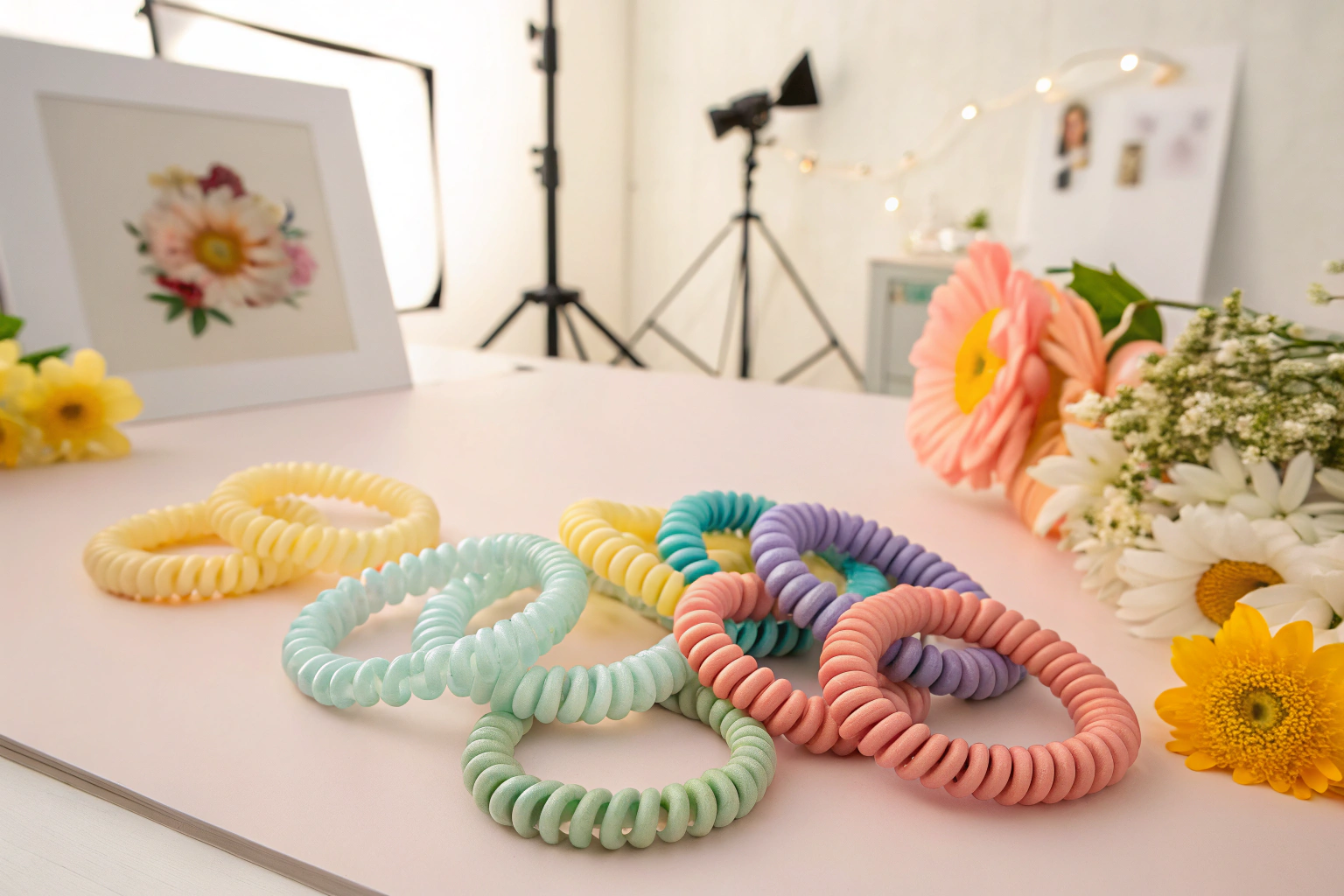
Proper lighting requires at least two light sources. Place one light at a 45-degree angle on the left. Place another at a 45-degree angle on the right. This creates even illumination. It reduces harsh shadows. Use softboxes or umbrellas. They diffuse the light. If you do not have studio lights, use natural light. Place the product near a window. Use a white reflector on the opposite side. Avoid direct sunlight. It creates harsh shadows. Overcast days are best.
I want to share a story about lighting. A client used a single overhead light. The photos had harsh shadows. The product looked cheap. She added a second light. The shadows softened. The product looked premium. Sales increased.
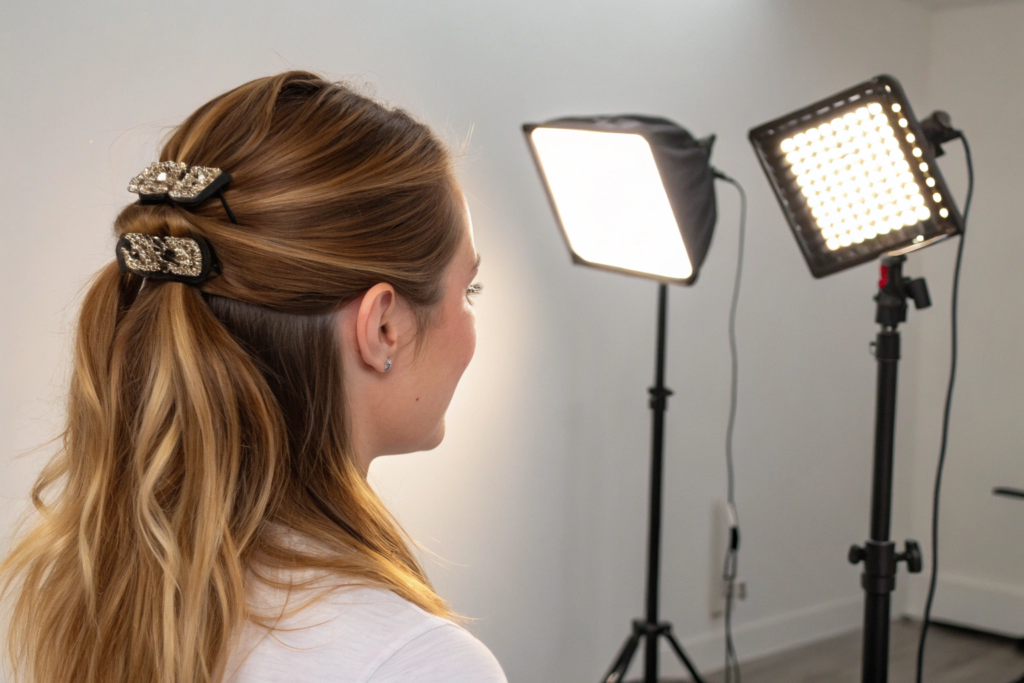
What Is the Best Lighting for Accessories?
Soft, diffused light is best. It brings out texture. It shows details. It creates an even look. Avoid direct flash. It creates hot spots. Avoid colored lights. They distort colors. We use softbox lighting for all our product photos.
How Do You Avoid Shadows?
Harness the power of multiple light sources to illuminate your subject with depth and dimension. Position lights at varying angles—some high and soft, others low and gentle—to sculpt the product's form, highlighting every curve and contour. Envelop the item in a light tent, its translucent fabric diffusing light evenly, creating a soft, ethereal glow that wraps around the product like a warm embrace, eliminating harsh shadows and ensuring uniform brightness.
Complement this with a reflector, its smooth, silver or gold surface bouncing captured light into shadowed crevices, breathing life into previously dim areas and enhancing the product's three-dimensional presence. Carefully position the product away from the background, creating a deliberate gap that acts as a visual buffer, separating it from its surroundings with striking clarity. As a result, shadows become faint and almost imperceptible, allowing the product to stand out with pristine purity, as if suspended in a pool of soft, diffused light, inviting the viewer's full attention to its intricate details and captivating allure.
What Angles Should You Photograph?
One photo is not enough. Customers need to see the product from all sides. They need to see details. I have seen listings with only one photo. I do not buy from them. I need to see more.
Photograph multiple angles to show the complete product. Front view shows the overall design. Back view shows the closure or back detail. Side view shows the thickness or profile. Detail shots show the texture, stitching, or buckle. Scale shots show the size relative to a coin or a ruler. Lifestyle shots show the product being worn. For a belt, show it on a person. For a hair clip, show it in hair. For a scarf, show it draped. The more angles, the more confident the customer.
I want to share a story about angles. A client sold a hair clip with only a front photo. Customers returned it because the back was different than expected. She added a back view. Returns decreased. The customers knew what they were getting.
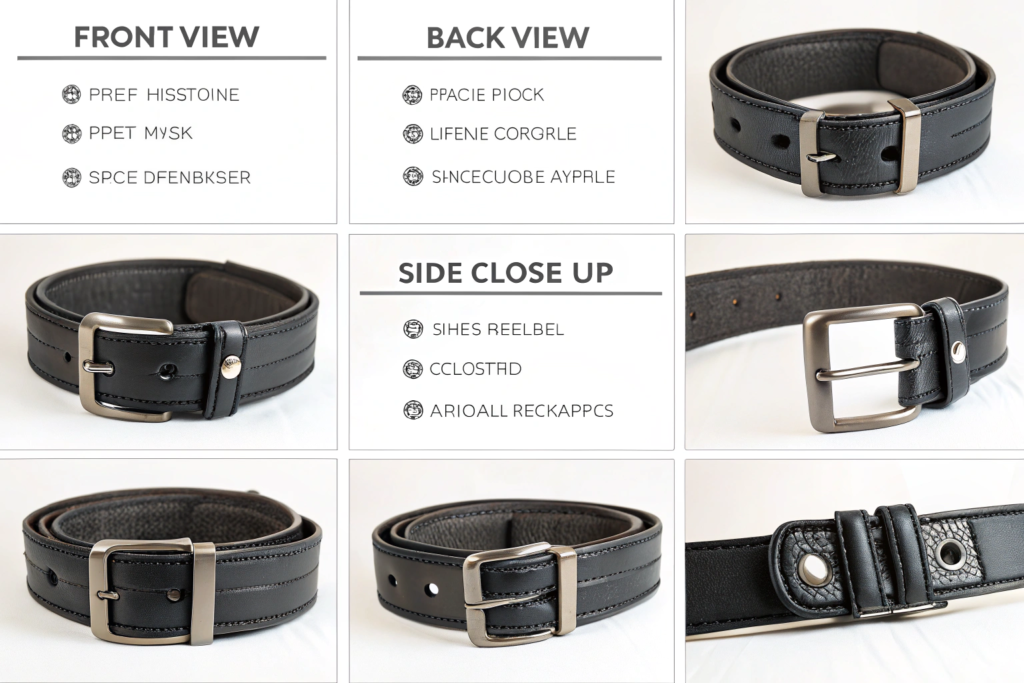
How Many Photos Do You Need?
At least 5 photos. Front, back, side, detail, and scale. For complex products, 8 to 10 photos. More photos increase confidence. We provide a photo checklist for clients.
How Do You Photograph Scale?
Place a familiar object beside the product to anchor its size in the customer's mind. For diminutive items, a coin—its smooth, cool surface and familiar weight—serves as an excellent reference, instantly conveying compactness. A ruler, with its precise, marked edges and tactile length, becomes the perfect companion for belts and scarves, allowing customers to gauge their dimensions with ease. When showcasing bags, a human hand, with its natural proportions and everyday familiarity, offers an intuitive sense of capacity and fit.
Why Are Lifestyle Shots Important?
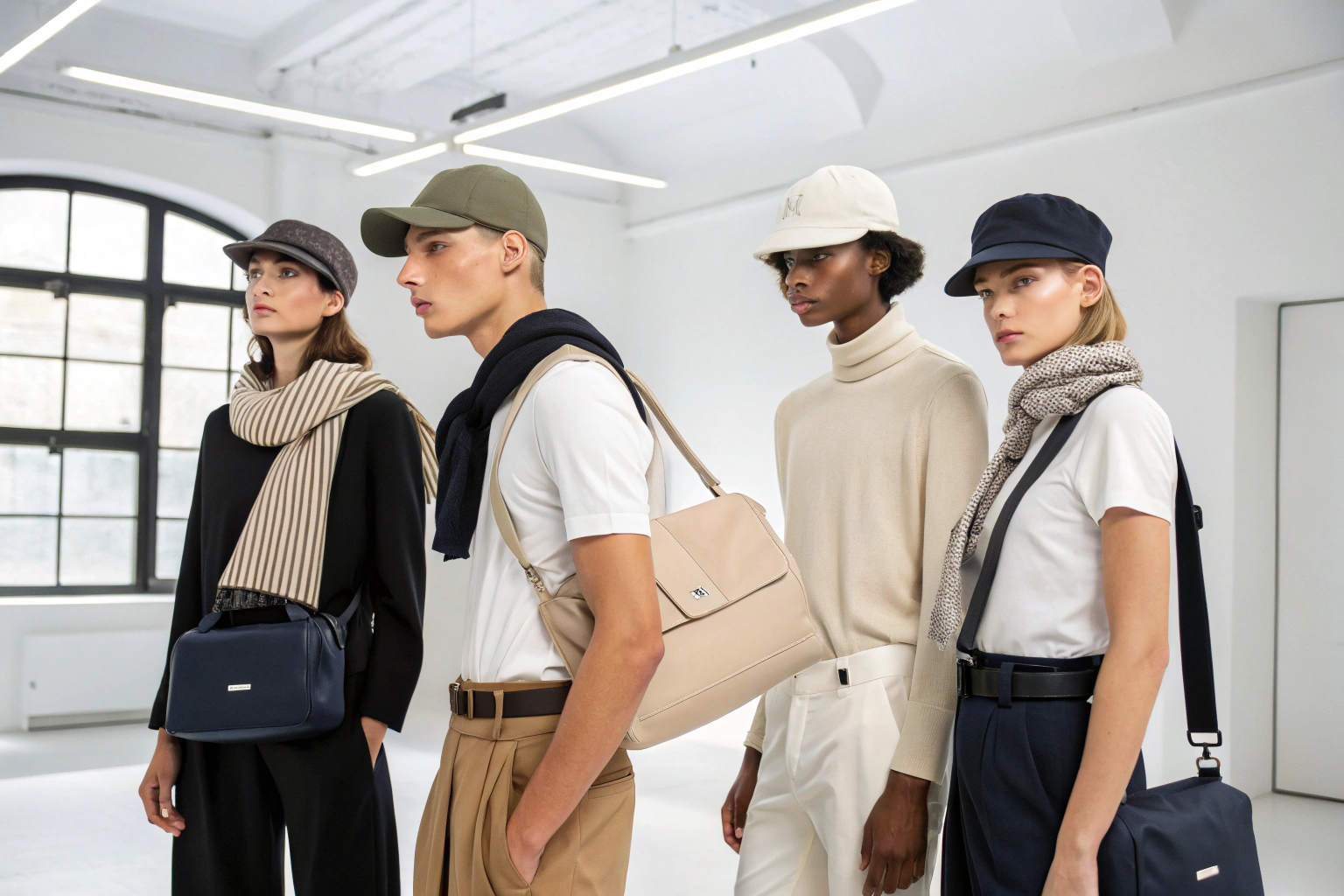
Lifestyle shots help customers imagine the product in their lives. A belt on a white background is informative. A belt on a person is inspiring. I have seen lifestyle shots increase conversion rates.
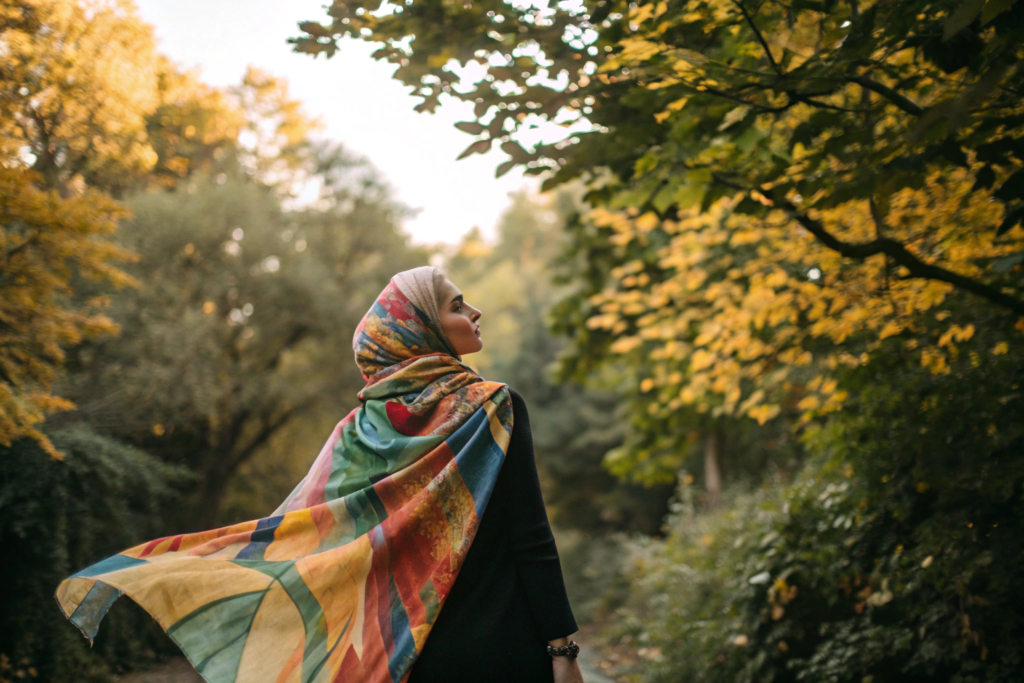
Lifestyle shots are important because they show the product in use. They help customers imagine themselves wearing it. For a belt, show it on a person with jeans. For a hair clip, show it in styled hair. For a scarf, show it draped around a neck. For a hat, show it on a head. Use a model that represents your target customer. The setting should match your brand. A beach for summer. A city for urban. Lifestyle shots create an emotional connection. They increase the desire to buy.
I want to share a story about lifestyle shots. A client sold a winter hat. The product photos were on a white background. Sales were slow. She added a lifestyle shot of a person wearing the hat in the snow. Sales increased. Customers could see themselves in the snow.
Do You Need a Professional Model?
Not necessarily. You can use a friend. You can use a mannequin. The key is to show the product well. The model should not distract. Keep the focus on the accessory. We have lifestyle photography tips for brands.
How Do You Style Lifestyle Shots?
Keep the outfit simple, a canvas of understated elegance—think soft linen in warm neutrals or a tailored sweater in muted tones, allowing the eyes to wander freely. The accessory should be the star, a single statement piece that commands attention: perhaps a delicate gold necklace with a freshwater pearl pendant that catches the light like a whispered secret, or a bold leather bracelet etched with intricate patterns that tells a story of craftsmanship. Use natural lighting, the golden glow of midday sun spilling through sheer curtains or the soft, diffused light of an overcast sky, which wraps around the subject in a gentle embrace, highlighting textures and bringing out the true colors of both the accessory and the setting.
Conclusion
Photographing accessories for e-commerce is a skill. But it is a skill you can learn. The best practices are clear. Use a clean, consistent background. Set up proper lighting. Photograph multiple angles. Include scale references. Add lifestyle shots. Edit for consistency. These practices will make your products look professional. They will build trust. They will increase sales.
At Shanghai Fumao, we are here to help. We offer product photography. We have the studio and the skills. We want your products to shine. Please contact our Business Director, Elaine, at elaine@fumaoclothing.com to discuss your product photography needs. We can provide professional images that will make your accessories stand out.