You've invested in beautiful products. Your new collection of scarves, hats, and belts has arrived from your supplier, and the quality is superb. You've taken stunning photos and uploaded them to your website. But then... crickets. Sales are slow, and website traffic is low. You're worried that your online store, the digital front door to your brand, is failing you. Is it too slow? Is it confusing to navigate? Is it even showing up on Google? This fear that your website is undermining all your hard work is a major source of stress for any brand owner.
To optimize your website for selling fashion accessories, you must focus on three core pillars: blazing-fast page speed, especially on mobile; high-quality, zoomable product photography from multiple angles; and a seamless, intuitive checkout process that takes seconds, not minutes, to complete.
As a manufacturer at Shanghai Fumao Clothing, my job doesn't end when the product leaves my factory. My partners' success is my success, and I've seen firsthand how a brilliant product can fail if its online platform isn't up to par. A great website doesn't just showcase products; it creates a smooth, enjoyable, and trustworthy experience that turns casual browsers into loyal customers. Let's break down the essential optimizations that will make your website your most powerful sales tool.
Why is High-Quality Visuals and Page Speed Non-Negotiable?
You have gorgeous product photos, but your website is slow to load. Or, your site is fast, but the images are small and blurry. You're caught in a frustrating trade-off. You're worried that large, high-quality images will bog down your site, but low-quality images won't do your products justice. This can lead to a high "bounce rate," where potential customers get impatient and leave your site before they even see how great your accessories are.
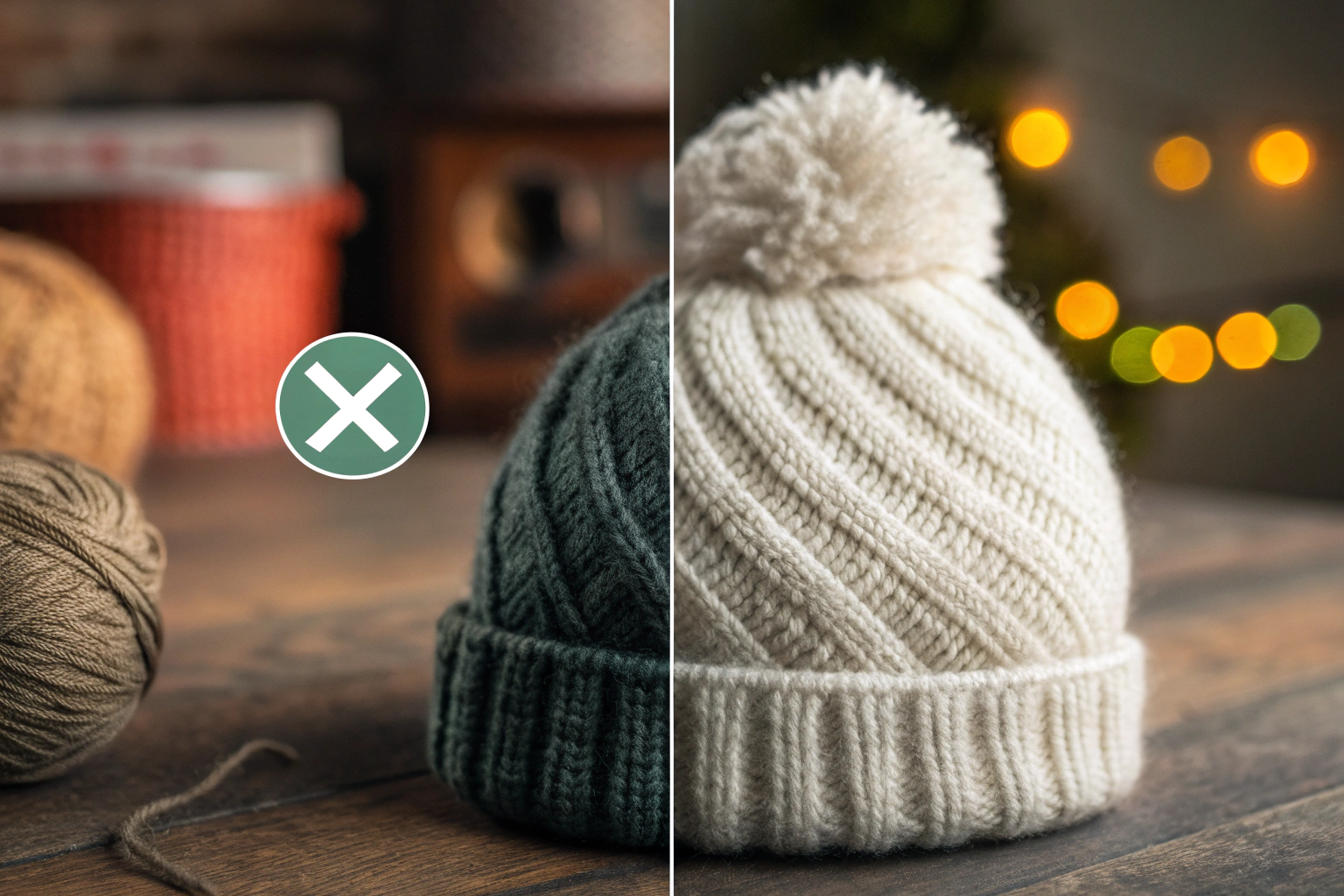
The solution is not to compromise, but to optimize. You need both. Use modern image formats like WebP to compress your high-resolution photos without sacrificing quality. Implement "lazy loading," a technique where images only load as the user scrolls down the page. For fashion accessories, where texture, color, and detail are everything, customers need to see your products up close. They want to zoom in on the knit of a beanie or the clasp of a handbag. Providing this rich visual experience, while ensuring the page loads in under three seconds, is the key to capturing their interest.
When we develop a new accessory with a client, we focus intensely on the small details—the quality of the yarn, the finish on the buckle. Your website's photography is the only way to communicate that quality to an online customer. It's your digital handshake. At AceAccessory, we often provide our partners with high-quality "studio" shots of their products to ensure they have the visual assets they need to succeed. A fast, beautiful site builds instant trust and is the foundation for a great user experience and navigation.

How can I optimize my images for the web?
First, resize your images to the exact dimensions they will appear on your site. Don't upload a massive 5000-pixel photo and let the website shrink it. Next, use an image compression tool. Many Shopify apps, like Crush.pics, can automate this process, converting your images to next-gen formats like WebP and compressing them. You can also use free online tools like TinyPNG before uploading. The goal is to get each image file size as small as possible without any visible loss in quality.
What is "mobile-first" design?
"Mobile-first" design means you design the mobile version of your website first, and then adapt it for desktop. Today, it's highly likely that the majority of your customers will visit your site on their smartphones. A mobile-first approach ensures the experience is seamless for them, with large, easy-to-tap buttons, simple navigation, and fast load times. Google also uses the mobile version of your site for ranking in its search results, making this approach critical for SEO. You can check your site's mobile-friendliness using Google's own Mobile-Friendly Test.
How Can I Improve Website Navigation and User Experience?
A potential customer lands on your homepage. They are looking for a black leather belt. But your navigation menu is a confusing jumble of categories. They can't find a search bar. Frustrated after a few clicks, they give up and leave. You've just lost a sale, not because you didn't have the product, but because the customer couldn't find it.
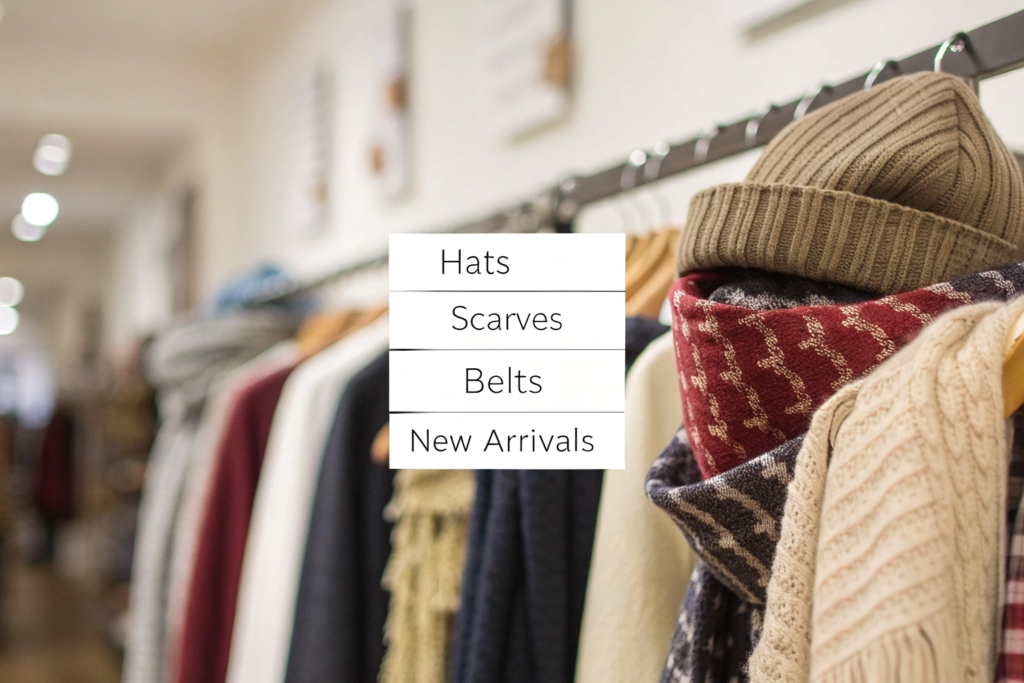
Your website's navigation should be effortlessly intuitive. Think like your customer. Organize your products into clear, logical categories that they would expect: Hats, Scarves, Gloves, Belts, New Arrivals, Sale. Make your search bar prominent and powerful, with an "autocomplete" feature that suggests products as the user types. Implement filters on your category pages that allow customers to narrow down their search by color, material, price, and style. The goal is to get the customer from the homepage to their desired product in three clicks or less.
Think of your website's navigation as the floor plan of your boutique. If the layout is confusing and cluttered, customers will walk out. If it's clean, logical, and well-lit, they will happily browse. A seamless user experience shows respect for the customer's time and makes them feel confident in their purchase. This smooth journey is what leads them to the final, crucial step: the checkout process.
Why are product filters so important?
Imagine walking into a library with no card catalog. That's a retail website with no filters. Filters are essential for helping customers quickly find what they want in a large catalog. For fashion accessories, the most important filters are Category, Color, Price, and Material. If a customer knows they want a blue, 100% wool scarf under $50, filters allow them to see only the products that meet their exact criteria. This is a standard feature on all major e-commerce platforms like Shopify and is expected by modern online shoppers.
What are "breadcrumbs"?
"Breadcrumbs" are a secondary navigation aid that shows the user their path through your website. They typically look something like: Home > Hats > Knit Hats. Each step in that path is a clickable link. Breadcrumbs are incredibly helpful for user experience. They orient the customer, letting them know where they are on your site, and allow them to easily take one step back in their journey without having to start all over from the main menu. Most modern website themes have this feature built-in.
How Do I Create a Frictionless Checkout Process?
A customer has found the perfect hat. They've added it to their cart and are ready to buy. They click "Checkout" and are hit with a wall of text—a mandatory account creation form with a dozen fields to fill out. They don't have the time or patience for this. They abandon their cart. This scenario, known as "cart abandonment," is the silent killer of online sales.
Your checkout process should be as fast and easy as possible. The goal is zero friction. Here's how:
- Offer a Guest Checkout: Never force customers to create an account. It's one of the biggest reasons for cart abandonment.
- Simplify Your Forms: Only ask for the absolute essential information needed to process the order.
- Offer Accelerated Checkouts: Integrate one-click payment options like Shop Pay, Apple Pay, Google Pay, and PayPal. These trusted services allow returning customers to check out in seconds using their saved information.
Think of the checkout as the final handshake. After all the work of creating a great product and a beautiful website, you don't want to fumble at the last moment. A complicated checkout process creates doubt and frustration. A simple, secure, and fast checkout process builds confidence and finalizes the sale. It's the satisfying final click in a great shopping experience. This is the culmination of all your optimization efforts, from your SEO strategy to your site design.

Why are trust badges important at checkout?
Trust badges are small icons that signal to the customer that your checkout process is secure. These can be logos of well-known security companies (like Norton or McAfee) or simply icons of the payment methods you accept (Visa, Mastercard, PayPal). Displaying these badges prominently on your checkout page can significantly increase customer confidence and reduce cart abandonment. It's a small visual cue that tells the customer their financial information is safe with you.
Should I offer free shipping?
If you can, yes. In today's e-commerce landscape, many customers expect free shipping. Unexpectedly high shipping costs that only appear at the final stage of checkout are another major reason for cart abandonment. If you can't offer free shipping on all orders, consider offering it above a certain threshold (e.g., "Free Shipping on Orders Over $75"). This not only meets customer expectations but also encourages them to add more items to their cart to reach the threshold, increasing your average order value. You can find extensive data on this topic from e-commerce research firms like the Baymard Institute.
What is the Role of SEO and Content?
Your website is fast, beautiful, and easy to use. But how do people find it in the first place? You're worried that you're invisible on Google, lost on page 10 of the search results while your competitors dominate the first page.
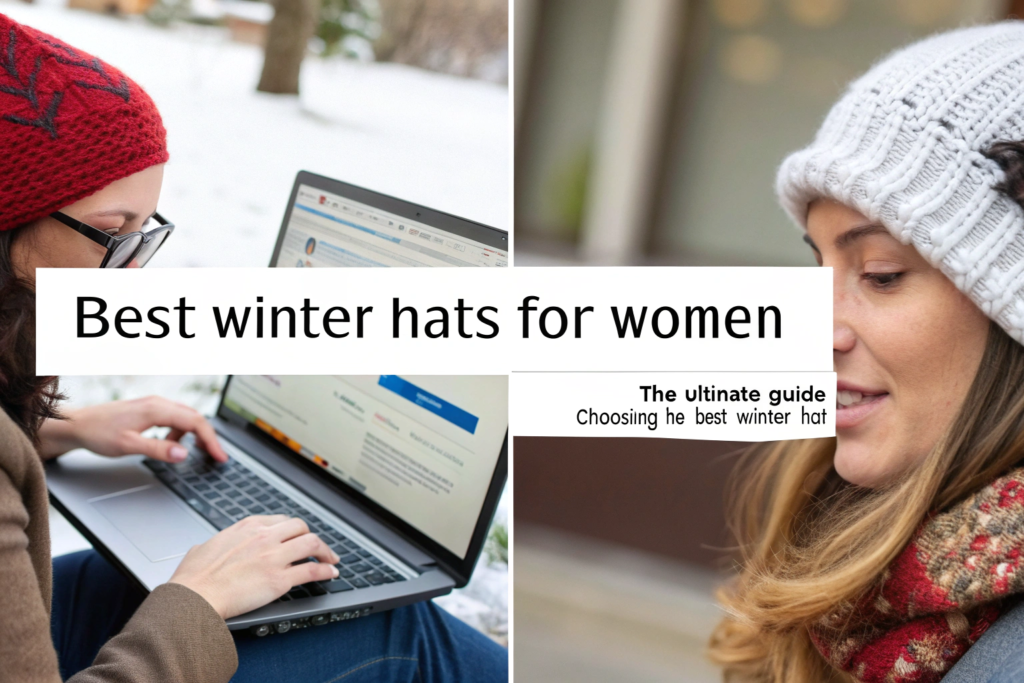
This is where Search Engine Optimization (SEO) and content marketing come in. SEO is the process of optimizing your site to rank higher in Google search results for relevant keywords. The best way to do this is by creating useful, engaging content. Start a blog on your website and write articles that answer your customers' questions. For example, write a post on "How to Style a Silk Scarf" or "Choosing the Best Hat for Your Face Shape." When people search for these terms, Google will show them your article, bringing free, targeted traffic to your site.
As a manufacturer, I have deep knowledge about materials and production. As a boutique owner, you have deep knowledge about style and your customers' needs. Share that knowledge! Content marketing establishes you as an expert in your field. It builds trust and gives you something valuable to share on social media and in your email newsletters. It's a long-term strategy, but it's the most sustainable way to attract new customers. This content is the magnet that pulls customers to your beautifully optimized website.
What are "long-tail keywords"?
Long-tail keywords are longer, more specific search phrases. Instead of trying to rank for a highly competitive keyword like "hats," focus on a long-tail keyword like "wool bucket hat for winter." People who use these specific searches are often much closer to making a purchase. Your blog posts and product descriptions should be filled with these natural, descriptive phrases. Tools like AnswerThePublic are great for finding the questions people are actually asking about your products.
How do product descriptions help SEO?
Your product descriptions are a golden opportunity for SEO. Don't just write one generic sentence. Write a detailed, compelling paragraph for each accessory. Use descriptive keywords. Instead of "Brown Belt," write "A classic brown leather belt for women, crafted from genuine Italian leather with a timeless gold-tone frame buckle. The perfect accessory to cinch a dress or pair with your favorite jeans." This is not only better for SEO, but it also provides the customer with the rich details they need to make a purchasing decision.
Conclusion
Optimizing your website is not a one-time task, but an ongoing commitment to providing your customers with the best possible experience. By focusing on the core pillars of lightning-fast speed, stunning visuals, intuitive navigation, and a frictionless checkout, you can transform your site from a simple product catalog into a powerful engine for sales. And by layering on a smart SEO and content strategy, you can ensure a steady stream of new customers will discover your beautifully curated collection. Your products deserve a platform that is just as high-quality as they are.
At Shanghai Fumao Clothing, we believe in partnership that extends beyond the factory floor. We are invested in our clients' success and are always happy to share our insights on how to thrive in the digital marketplace.
If you're looking for a manufacturing partner who understands the entire business lifecycle, from product development to e-commerce success, I invite you to start a conversation with us. Please contact our Business Director, Elaine, at her email: elaine@fumaoclothing.com.