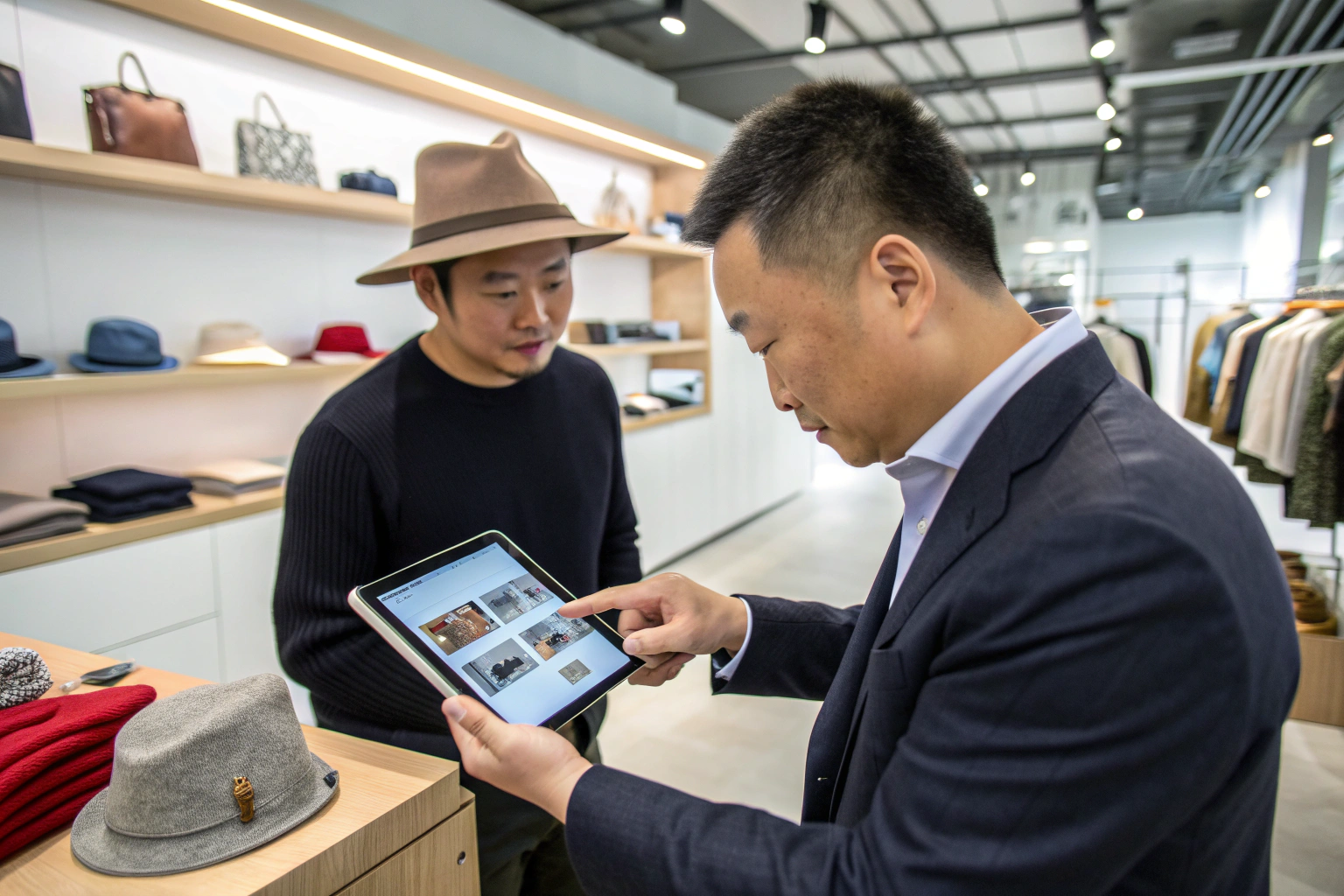
As a manufacturer, my primary business for two decades has been producing accessories for brands and retailers. But the world is changing. I have conversations every week with buyers like Ron from the US, and their biggest challenge is no longer just getting products on store shelves. It's about connecting directly with their end customers. A major pain point for them is the high cost and slow feedback loop of traditional retail. They ship products to a department store and have to wait months to see what sells.
So, how can a modern accessory brand bypass this and sell directly to consumers? The most powerful tool available today is Instagram Shopping. It transforms your brand's Instagram profile from a simple photo gallery into a fully functional, interactive storefront, allowing you to tag products in posts and Stories, leading customers directly to a seamless checkout.
This isn't just a feature; it's a fundamental shift in e-commerce. It allows brands to sell at the exact moment a customer feels inspired by a beautiful image. My most forward-thinking clients are no longer just asking me to manufacture products; they're asking how to best present them for this new world of social commerce. In this article, I'll share the strategic framework for setting up and succeeding with Instagram Shopping.
What Is Instagram Shopping and Why Does It Matter?
Before we get into the "how," we have to understand the "why." What problem does Instagram Shopping actually solve? It solves the problem of friction. In traditional social media marketing, a customer would see a product they liked, and then have to leave the app, open a browser, search for the brand's website, find the product, and then maybe buy it. Each step is a point where the customer can get distracted and abandon the purchase.
Instagram Shopping matters because it removes that friction. It creates a direct, seamless path from visual discovery to purchase, all within the Instagram app. It shortens the sales funnel from multiple steps into just a few taps, dramatically increasing the likelihood of a conversion.
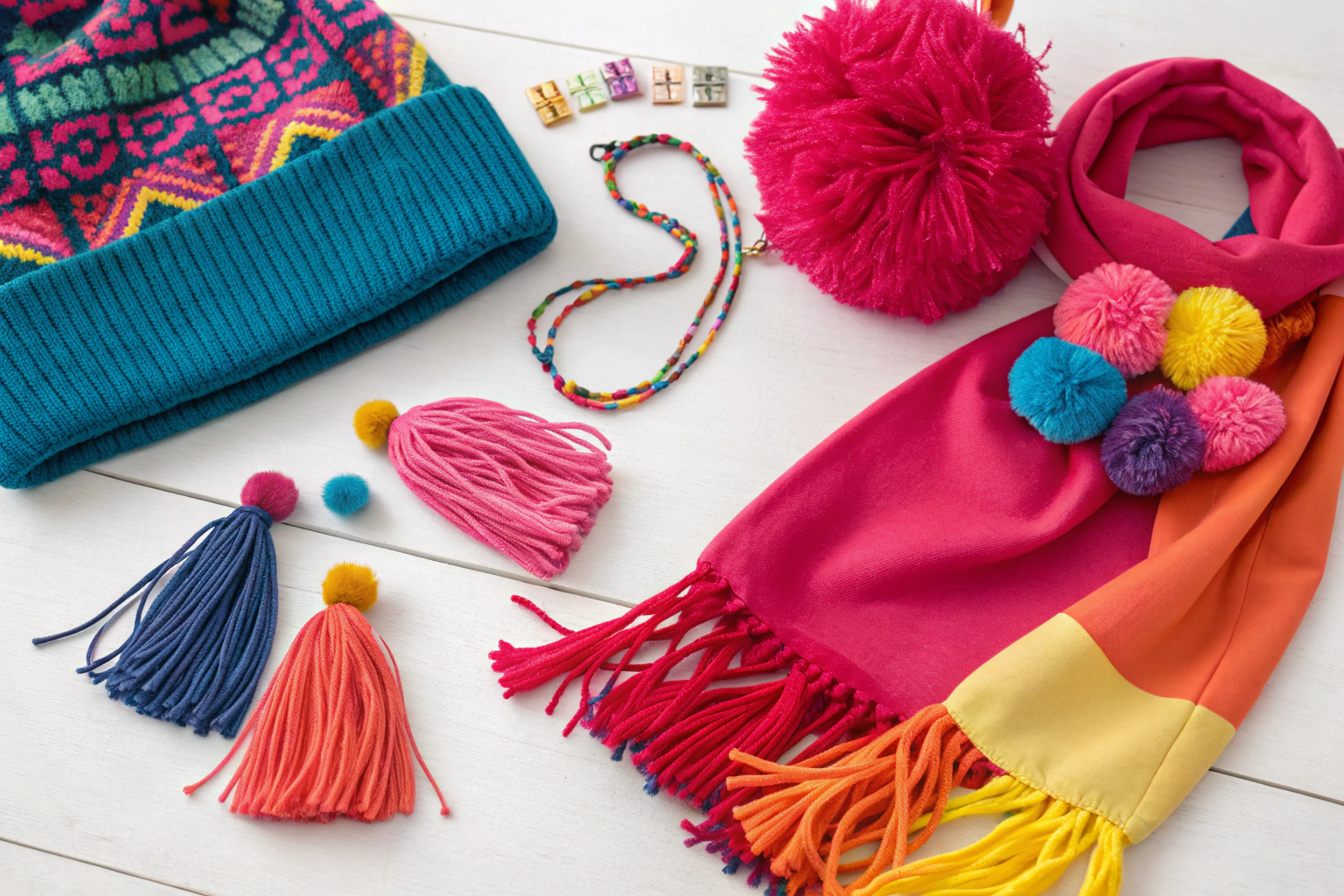
For an accessory brand, where purchases are often impulsive and visually driven, this is a massive advantage. At Shanghai Fumao Clothing, we design products to be "thumb-stopping," and Instagram Shopping is the tool that turns that "stop" into a sale.

How does it change the customer experience?
For the customer, the experience is incredibly intuitive. They are scrolling through their feed and see a beautiful lifestyle photo of someone wearing one of your hats. Instead of just a photo, there's a small shopping bag icon. They tap the photo, and a tag appears with the product name and price. They tap the tag, and they are taken to a detailed product page inside Instagram, with more photos, a description, and a direct link to purchase on your website. It feels less like being sold to and more like effortless discovery.
What are the key business benefits?
For your brand, the benefits are huge:
- Capture Impulsive Purchases: You sell the product at the peak moment of desire.
- Direct Customer Relationship: You own the customer data and can retarget them later.
- Higher Margins: You are selling D2C, so you are not sharing revenue with a retail middleman.
- Real-Time Feedback: You can see which products and which types of content are driving the most interest and sales almost instantly, allowing you to make smarter inventory and marketing decisions. This is a core principle of modern D2C strategy, as detailed by platforms like Shopify.
What Are the Steps to Set Up Your Instagram Shop?
Setting up Instagram Shopping involves a few technical steps, but it's a straightforward process. It's not about being a tech genius; it's about being methodical and checking the boxes. The system is designed to connect your product inventory to your Instagram profile.
The setup process involves four main stages: 1) Ensuring you have an Instagram Business or Creator account, 2) Connecting it to a Facebook Page, 3) Creating and uploading a product catalog via Facebook Commerce Manager, and 4) Submitting your account for review.
Think of it like building a physical store. You need a location (your Instagram account), a connection to the warehouse (your Facebook catalog), and an inspection before you can open. Let's walk through it.

How do you create and connect your accounts?
First, your Instagram account must be a Business or Creator account. You can easily switch this in your Instagram settings. This gives you access to analytics and the shopping features. Second, you must have a Facebook Page for your brand (not a personal profile). In your settings, you will then link your Instagram Business account to your Facebook Page. This connection is essential because the "back end" of Instagram Shopping is managed through Facebook's tools.
What is a Product Catalog and how do you create it?
The Product Catalog is the heart of your shop. It's a data file that contains all the information about your products: product names, descriptions, prices, high-quality images, and a direct link to the product page on your website. You create and manage this catalog using Facebook Commerce Manager. If you use an e-commerce platform like Shopify or BigCommerce, they have direct integrations that can automatically sync your product inventory with your Facebook Catalog, which is the most efficient method. This ensures that if you change a price or a product goes out of stock on your website, it automatically updates on Instagram.
How Do You Create Shoppable Content?
Once your shop is approved, the real work—and the fun—begins. Your goal is not just to post product photos; it's to create compelling, shoppable content that feels native to the Instagram platform.
Creating effective shoppable content means integrating your products naturally into high-quality, aspirational lifestyle content. Instead of just posting a studio shot of a belt on a white background, show a stylish person wearing the belt with a great outfit. Then, use Instagram's tools to tag the product in your Posts, Stories, Reels, and Guides. This is the art of social selling. You are selling a look, a feeling, and a lifestyle—and making that lifestyle instantly shoppable.
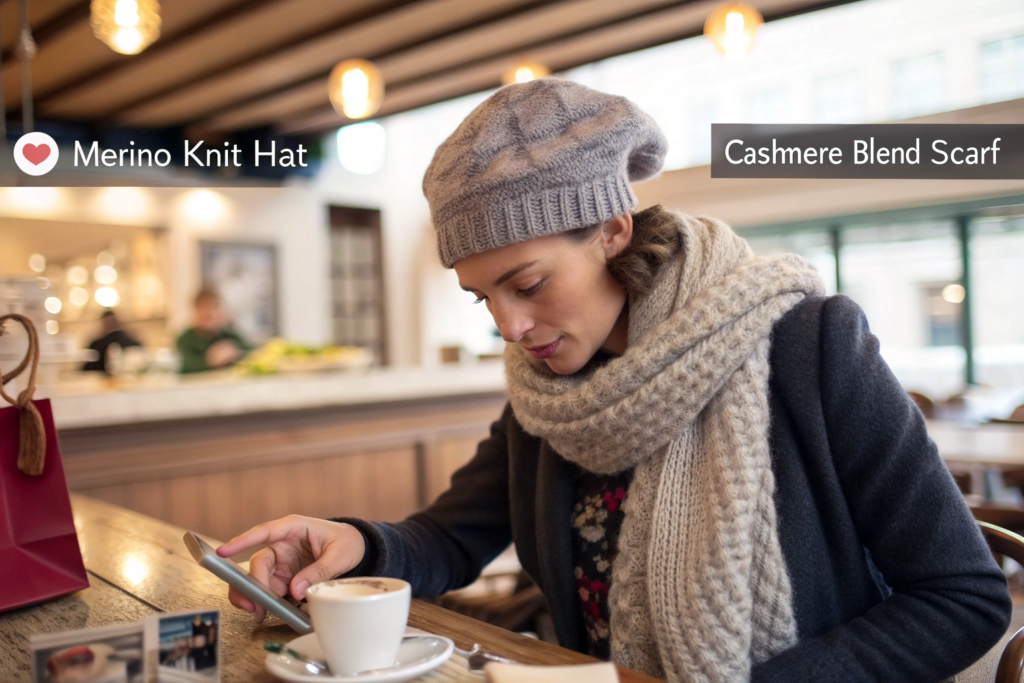
How do you create Shoppable Posts?
This is the most common format. When you create a new post, you'll have the option to "Tag Products." You simply tap on the item in your photo (e.g., the baseball cap) and select the corresponding product from your catalog. When you publish the post, the shopping bag icon will appear. The best practice is to create beautiful, high-resolution lifestyle images that show your accessories in a real-world context. Don't just sell the hat; sell the cool, casual vibe of wearing the hat.
How can you use Shoppable Stories and Reels?
Stories are perfect for creating a sense of urgency and a behind-the-scenes feel. You can use the "Product Sticker" in your Stories to feature a specific item. This is great for announcing a new arrival, a limited-time offer, or showing a quick video of the product in use. Reels, Instagram's short-form video format, are incredibly powerful for discovery. You can create a fun, engaging Reel showing 3 ways to tie a scarf, and then tag the scarf product in the Reel. This allows you to reach a huge new audience and make your video content directly shoppable. This multi-format strategy is essential for maximizing your reach, a point emphasized by social media experts like Later.
What Are the Best Practices for a Successful Shop?
Just having an Instagram Shop is not enough. To be successful, you need to treat it like a real storefront. It needs to be organized, visually appealing, and easy for customers to navigate.
The best practices for a successful Instagram Shop revolve around curation and consistency. This means creating curated "Collections" to organize your products, maintaining a consistent visual aesthetic across all your product images, and actively promoting your shop to guide your followers to it. Think of yourself as a store merchandiser. You wouldn't just throw products randomly onto shelves; you would create beautiful, logical displays. The same principle applies here.

Why are "Collections" so important?
A Collection is a feature within your Instagram Shop that lets you group related products together, like a category page on a website. This is crucial for helping customers find what they are looking for. For an accessory brand, you could create collections like:
- "Winter Warmers" (hats, scarves, gloves)
- "The Vacation Edit" (straw hats, beach totes, pareos)
- "Statement Belts"
- "Under $50"
This organizes your shop and allows you to tell a story with your products, making the shopping experience much more enjoyable and effective.
How do you drive traffic to your shop?
You can't just wait for people to find your shop. You need to actively guide them there.
- Update Your Bio: Add a clear call-to-action in your Instagram bio, like "Shop our latest collection below!" and make sure the "Shop" button is prominent on your profile.
- Use a "Link in Bio" Service: While Instagram Shopping is great, you still only get one main link in your bio. Using a service like Linktree allows you to create a simple landing page where you can link to your main website, your blog, and specific collections in your Instagram Shop.
- Promote in Stories: Regularly use Stories to remind your followers that they can shop directly from your profile. A simple "Swipe up to shop!" or a poll asking which product they like best can be very effective.
Conclusion
Instagram Shopping is no longer a novelty; it is an essential sales channel for any modern, direct-to-consumer accessory brand. It closes the gap between inspiration and purchase, allowing you to build a direct relationship with your customers and capture sales at the peak of their interest. By setting up your shop correctly, creating compelling, shoppable lifestyle content, and curating your digital storefront with care, you can transform your Instagram profile from a simple marketing tool into a powerful engine for growth. It's a new way of doing business, and for brands willing to embrace it, the opportunity is immense.
If you are a brand looking to build a collection of accessories perfectly suited for the visual, direct-to-consumer world of social commerce, my team at Shanghai Fumao Clothing has the design and manufacturing expertise to help you create products that will shine online. Please contact our Business Director, Elaine, at her email: elaine@fumaoclothing.com to discuss how we can build your next winning collection.